Creating a productive home workspace is essential for anyone working remotely or studying from home. A well-designed environment can improve your focus, reduce stress, and make your daily tasks more enjoyable. If you’re looking to optimise your space, this guide offers practical tips to help you build a workspace that supports both comfort and concentration.
Why Your Home Workspace Matters
When working at home, the environment around you plays a key role in how well you perform. Distractions, discomfort, and clutter can negatively impact productivity and motivation. Conversely, a thoughtfully planned workspace encourages focus, inspires creativity, and promotes wellbeing.
Choosing the Right Location
Find a Dedicated Space
Ideally, pick a spot that can be dedicated solely to work. This separation helps your brain associate that space with productivity, making it easier to focus when you’re in it. If space is limited, a quiet corner of a room can work; just avoid high-traffic or noisy areas.
Consider Natural Light
Good lighting is important. Natural light helps regulate your body clock and reduces eye strain. Try to set up your desk near a window. If natural light is limited, invest in high-quality, adjustable lamps that mimic daylight.
Investing in Comfortable Furniture
Ergonomic Chair and Desk
Comfort is fundamental to maintaining focus, especially during long periods of sitting. An ergonomic chair with good lumbar support reduces back strain, while an adjustable desk can help you easily switch between sitting and standing positions.
Keep Essentials Within Reach
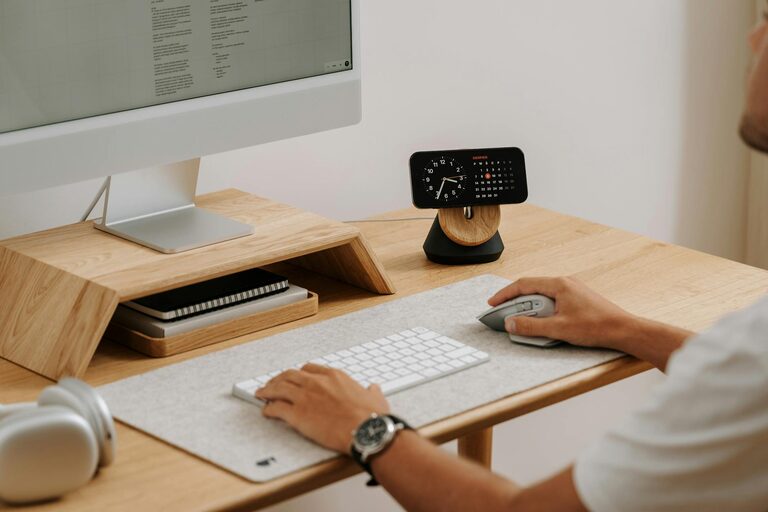
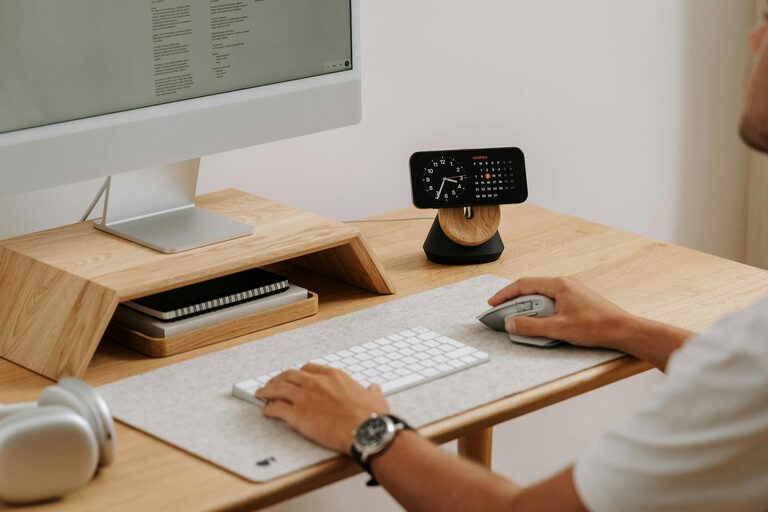
Arrange your desk so that frequently used items—like pens, notebooks, and tech devices—are easily accessible. This minimises interruptions to your workflow caused by reaching or searching for supplies.
Organising for Clarity and Efficiency
Declutter Regularly
A tidy workspace reduces distractions. Keep only what you need on your desk and store the rest elsewhere. Regularly clearing your workspace helps maintain a sense of order and calm.
Use Storage Solutions
Drawers, shelves, and organisers can keep papers and equipment neatly stored but within easy reach. Label boxes and folders to find items quickly.
Minimising Distractions
Set Boundaries
If you live with others, communicate your working hours and workspace boundaries. Use signals, like a closed door or headphones, to minimise interruptions.
Manage Digital Distractions
Turn off unnecessary notifications and use apps that help block distracting websites during work periods.
Personalising Your Space
Add Comfort Items
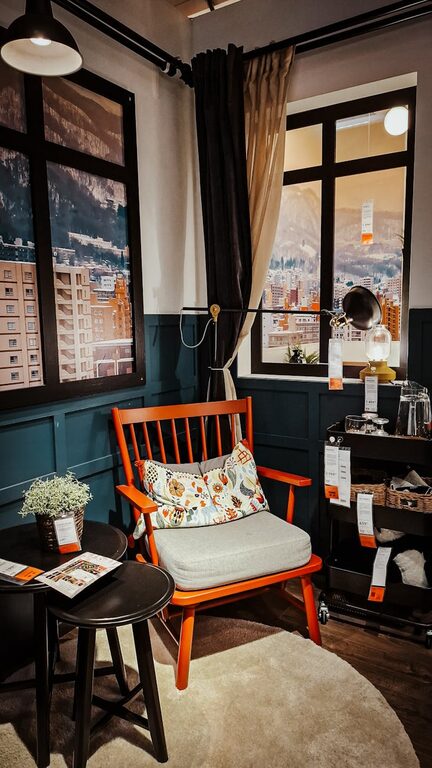
Items like cushions, a footrest, or a soft blanket can increase comfort. Adjust the temperature and ventilation so that the room feels pleasant throughout the day.
Bring in Plants
Adding greenery can improve air quality and provide a calming effect. Small, easy-to-care-for plants like succulents work well in workspaces.
Use Inspiring Decor
Photos, artwork, or motivational quotes can personalise your space and keep you motivated. Just be careful not to overdo it—keep decor minimal to avoid overstimulation.
Taking Care of Your Health
Maintain Good Posture
Sit upright with your feet flat on the floor and your screen at eye level. This helps prevent fatigue and discomfort.
Incorporate Movement Breaks
Set reminders to stand, stretch, or take short walks regularly. Physical activity refreshes your mind and body, helping you stay focused when you return to work.
Stay Hydrated and Nourished
Keep water nearby and remember to drink throughout the day. Healthy snacks can also help maintain your energy levels.
Technology Tips
Ensure Reliable Equipment
Slow internet, faulty keyboards, or poor speakers can cause frustration. Choose reliable technology that suits your tasks and set up a backup plan for connectivity.
Manage Screen Time
Use screen breaks and protective filters to reduce eye strain during long computer use.
Final Thoughts
Creating a home workspace that boosts both focus and comfort is within your reach. By choosing the right location, investing in ergonomic furniture, maintaining organisation, minimising distractions, personalising your area, and prioritising your health, you’ll set yourself up for more productive and enjoyable workdays.
Remember, the perfect workspace is one that fits your unique needs. Start with small changes and adjust as you go until it feels just right for you.